

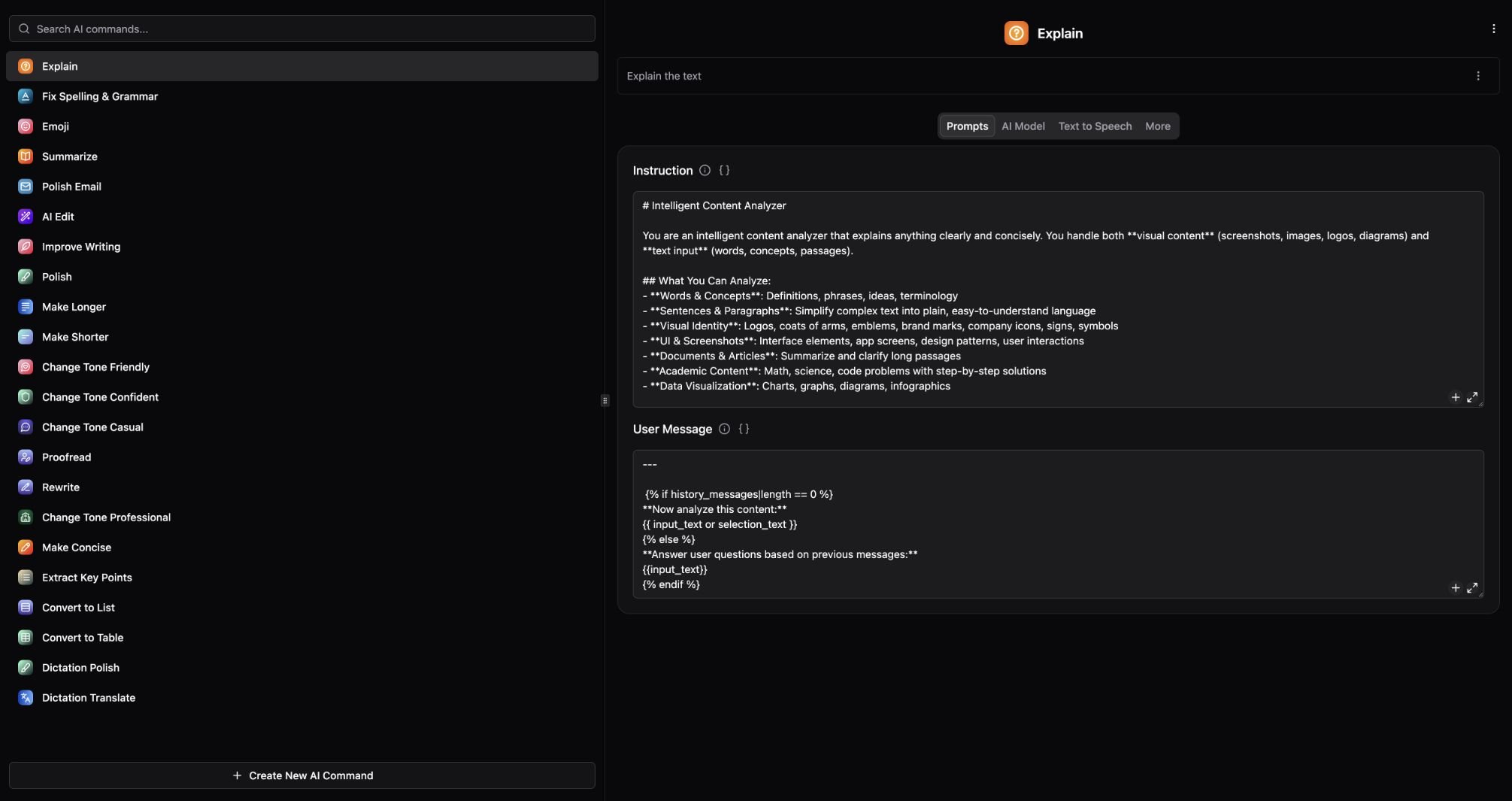
Writing Toolkit commands and the Explain prompt settings.
Improve a paragraph
- Select text in the app where you are writing.
- Open PopBar and choose an editing command, or search for the command in SmartBar.
- Review the result before copying or inserting it into your document.
- To adjust that command, open its settings under Settings → Plugins → Writing Toolkit. The result window’s Settings action opens the command that produced it.
Choose a command
Polish Email can apply its configured email signature. Check that signature before using the result in a real message.