Open Settings → Agents → Notifications to control what happens when an Agent session finishes. Clicking a completion notification reopens the session in the window it started from.
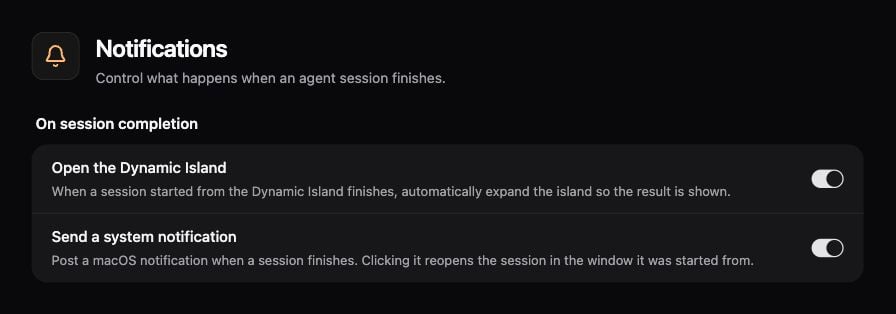
Agent completion settings for Dynamic Island expansion and system notifications

Agent completion settings for Dynamic Island expansion and system notifications.

Configure notifications

  1. Open the Notifications page and review the permission notice.
  2. If needed, allow Enconvo notifications in macOS.
  3. Set the two completion controls independently.
  4. Start a short Agent request and check the result when it finishes.
macOS Focus and notification settings can suppress banners even when Enconvo’s setting is enabled.

Scheduled results

A system notification is different from sending a scheduled result to Telegram or another IM chat. Configure result delivery in the Scheduled Jobs editor. Check the run history for both execution and delivery status.