

Capture an app
- Open Settings → Context → Appshots and enable Appshots.
- Check the configured Hotkey. The settings page explains how to press it; modifier-key gestures and ordinary shortcuts are configurable.
- Bring the app you want to discuss to the front and press that hotkey.
- Review the attached context in Enconvo, then ask a specific question such as “Explain the error in this window.”
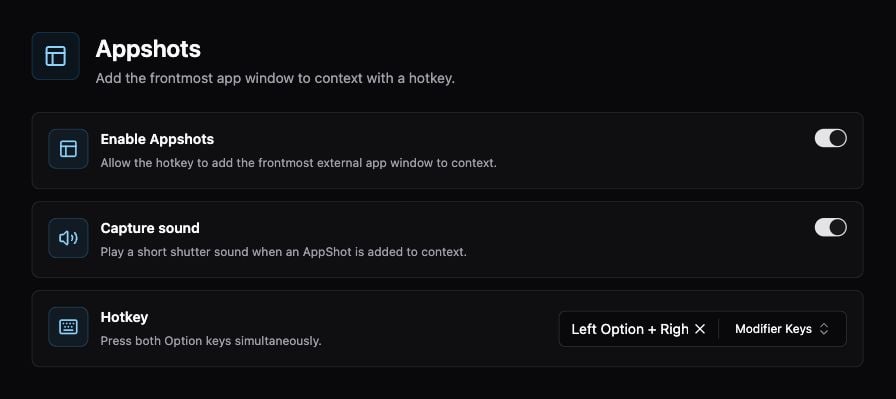
Appshots settings in the current app.
Choose the right capture tool
Capture sound controls the shutter feedback. A sound alone is not a substitute for checking the attachment before submitting.