

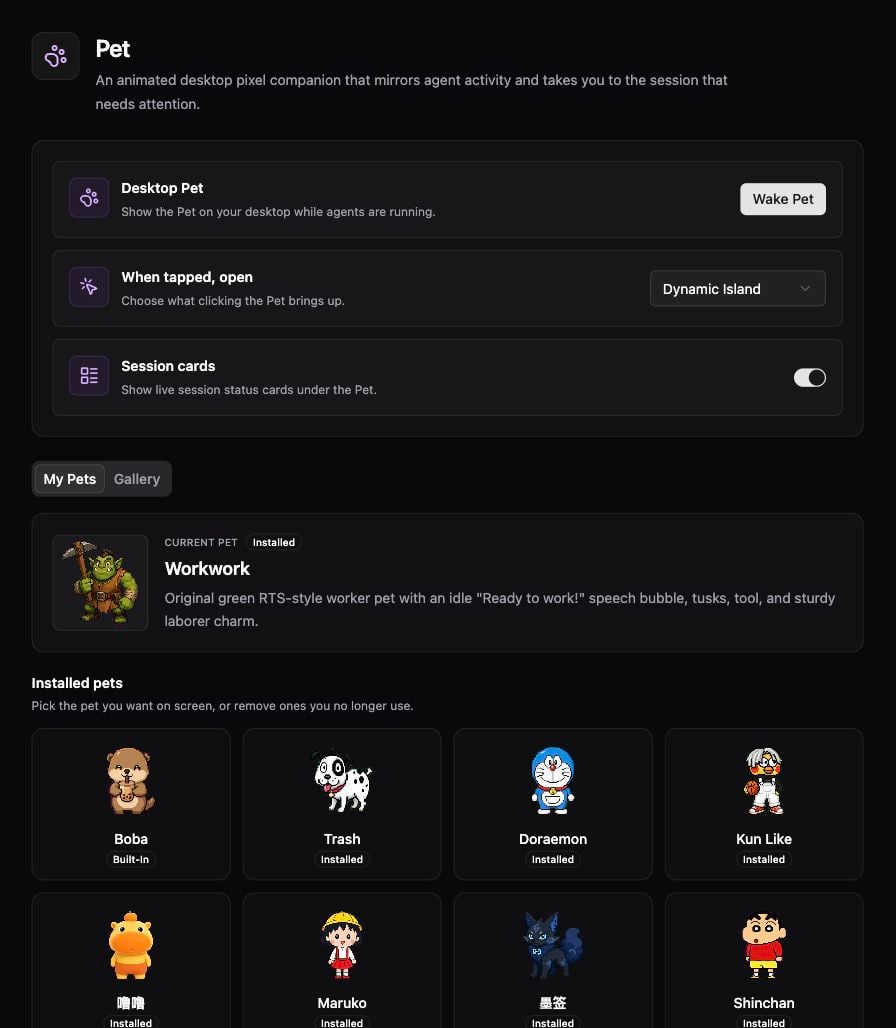
Desktop Pet controls for tap destination and session cards.
Choose a Pet
- Open Settings → Primary Function Area → Pet.
- Choose a character in My Pets or Gallery, then select Wake Pet to show it.
- Set When tapped, open to the destination you prefer.
- Review Session cards and the Pet size controls.
- Return to the desktop and tap the Pet to open the configured destination.