> ## Documentation Index
> Fetch the complete documentation index at: https://docs.enconvo.ai/llms.txt
> Use this file to discover all available pages before exploring further.
# Video Walkthroughs
> Short, silent demonstrations of real Enconvo interface flows.
These walkthroughs show the actual Enconvo interface. Steps are paused for readability, and the accompanying guides contain the same instructions in text. Example drafts are discarded after capture.
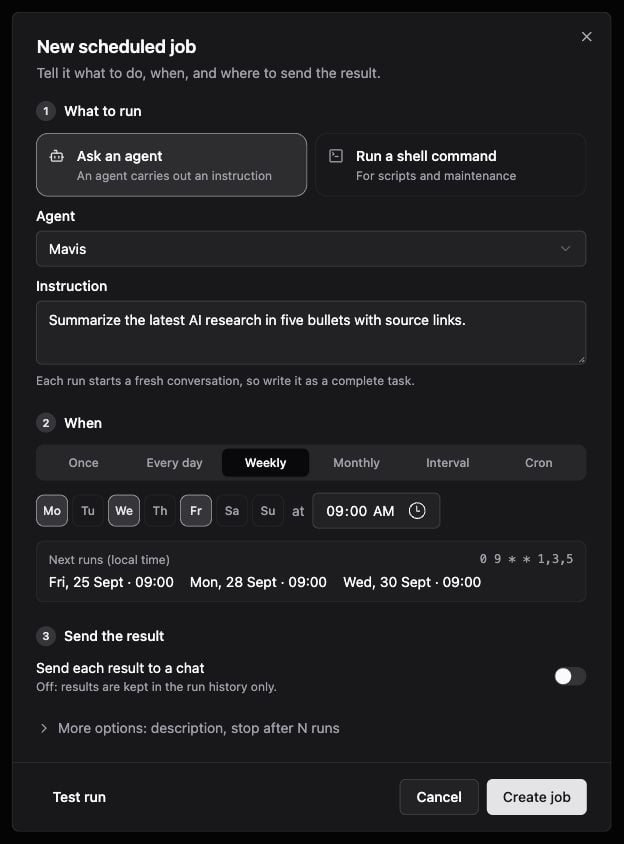
## Draft a scheduled Agent job
Fill the name and instruction, switch to Weekly, choose weekdays, and compare Monthly. The draft is discarded; no job is created.
[Read the guide and watch the video](/workflows/scheduled-jobs#watch-the-steps).
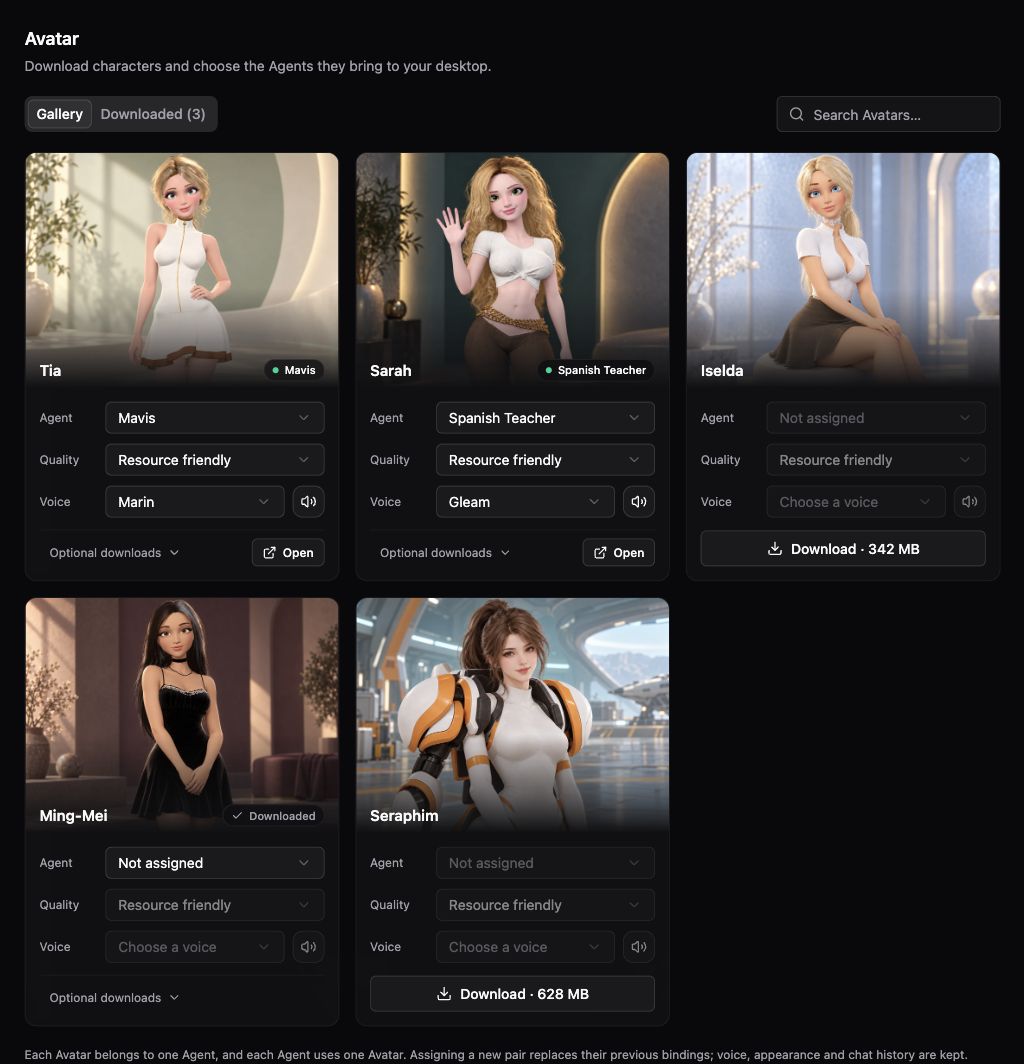
 ## Browse the Avatar gallery
Switch to Downloaded, search for Tia, inspect Optional downloads, then return to Gallery. No package is downloaded and no assignment is changed.
[Read the guide and watch the video](/features/avatar#watch-the-steps).
## Browse the Avatar gallery
Switch to Downloaded, search for Tia, inspect Optional downloads, then return to Gallery. No package is downloaded and no assignment is changed.
[Read the guide and watch the video](/features/avatar#watch-the-steps).
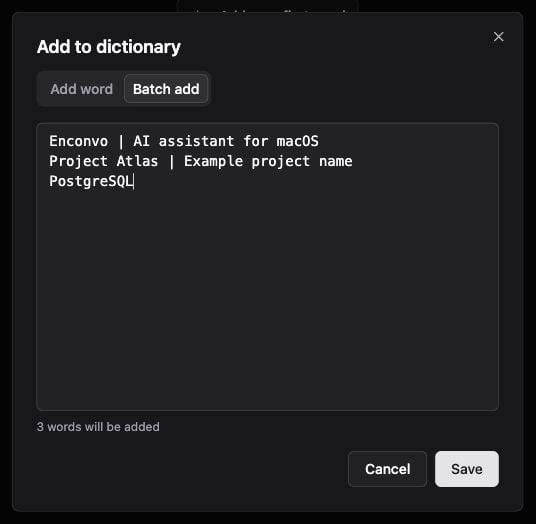
 ## Prepare dictionary entries
Enter a term and description, switch to Batch add, and enter three example lines. The draft is discarded; no dictionary entry is saved.
[Read the guide and watch the video](/configuration/speech-assets#watch-the-steps).
## Prepare dictionary entries
Enter a term and description, switch to Batch add, and enter three example lines. The draft is discarded; no dictionary entry is saved.
[Read the guide and watch the video](/configuration/speech-assets#watch-the-steps).
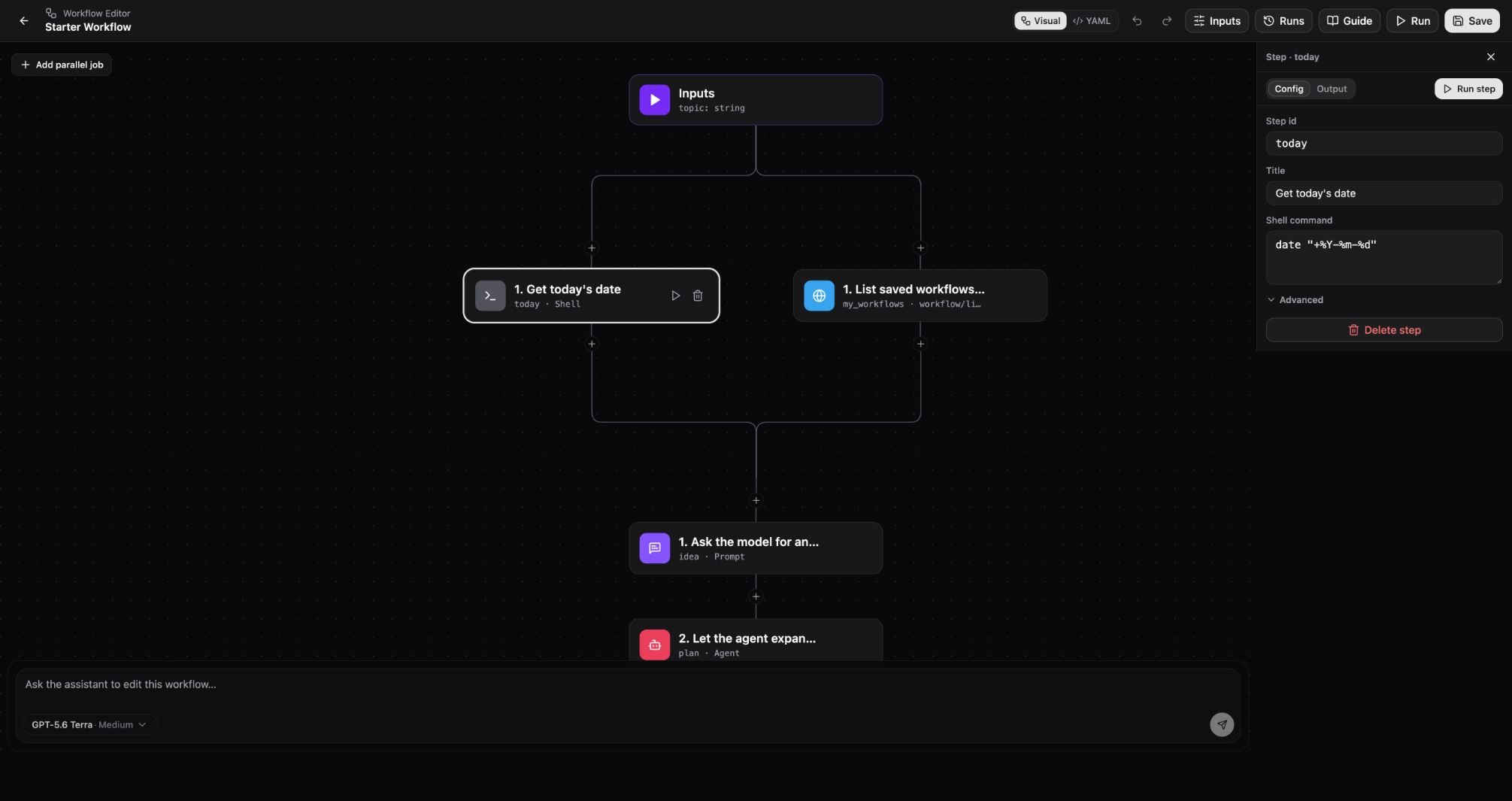
 ## Explore the workflow editor
Switch between Visual and YAML, inspect run inputs, and open a step inspector. The workflow is neither changed nor executed.
[Read the guide and watch the video](/workflows/creating-workflows#watch-the-steps).
## Explore the workflow editor
Switch between Visual and YAML, inspect run inputs, and open a step inspector. The workflow is neither changed nor executed.
[Read the guide and watch the video](/workflows/creating-workflows#watch-the-steps).